Română
As more and more content moves online, web accessibility is no longer a “nice to have”, but a real responsibility towards all users – including people with disabilities, older adults, or anyone who simply needs a more comfortable way to read and navigate content.
To support this need, ADV Group Romania is launching the ADV Accessibility Widget – a free web accessibility widget that can be added to any website with just one line of code. It’s designed to give visitors more control over how they see and interact with your content, without requiring accounts, logins or browser extensions.
What is the ADV Accessibility Widget?
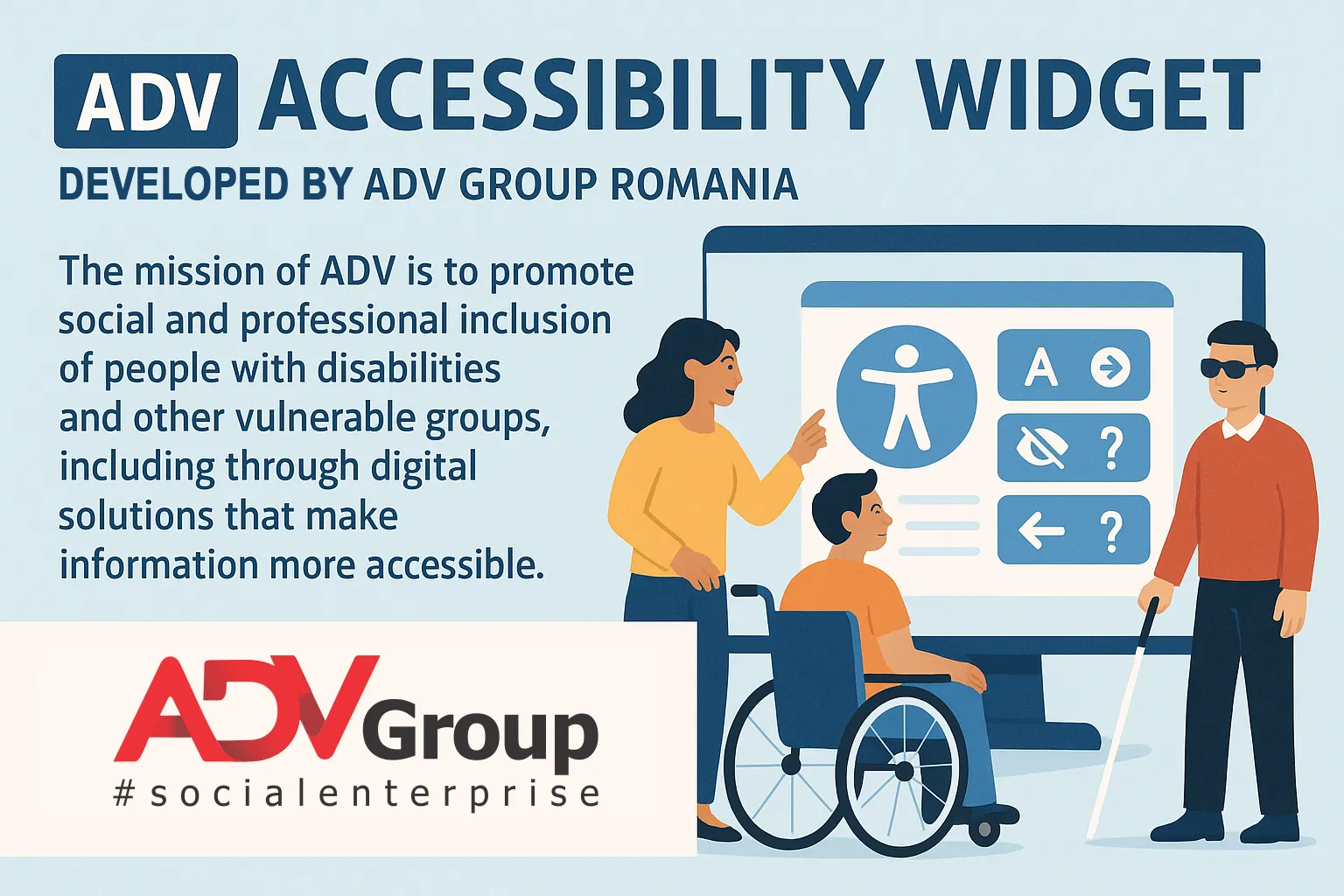
The ADV Accessibility Widget is a small accessibility menu that appears discretely on the side of the screen (as a ♿ icon). When opened, it offers a set of visual and interaction options that help users adapt the page to their needs.
The widget is:
- 🆓 Free – no license fees
- 🌍 Multilingual (RO & EN) – interface available in Romanian and English
- 🔒 Privacy-friendly – no personal data collection, no tracking
- ⚙️ Easy to integrate – one script tag is enough to activate it
Once installed, the widget works across your pages, providing a consistent accessibility experience to all visitors.
Why web accessibility matters for your website
Beyond social responsibility and inclusion, accessibility also brings very practical benefits:
- Better user experience (UX) – visitors can read more easily, follow text comfortably, reduce visual strain and focus on what matters.
- Improved SEO and visibility in search engines – accessible sites are typically better structured, clearer and easier to navigate, which search engines tend to reward.
- Stronger brand and trust – organisations that invest in accessibility show that they respect and support their audiences, including people with disabilities or specific needs.
The ADV Accessibility Widget does not replace proper implementation of WCAG guidelines, semantic HTML, meaningful alt texts and accessible design. However, it is a concrete, quick and visible step towards a more inclusive web.
Key features of the ADV Accessibility Widget
The widget groups its options into intuitive sections like Text, Color adjustments and Tools. Each user can combine these settings however they prefer.
1. Text settings – for easier reading
The Text section focuses on reading comfort:
- Adjustable text size – buttons to increase or decrease the font size on the page.
- Highlight headings – visually emphasizes headings to make page structure easier to understand.
- Highlight links – makes hyperlinks stand out so users can clearly see where they can click.
- Dyslexia-friendly font (OpenDyslexic) – a special font designed to support readers with dyslexia.
- Letter spacing and line height – adds extra spacing between characters and lines to reduce visual fatigue.
- Bold text – increases font weight to improve legibility.
All these settings can be toggled on or off individually, so each person can find the combination that works best for them.
2. Color adjustments – contrast and visibility
Many users struggle with low contrast, bright backgrounds or certain color combinations. The ADV Accessibility Widget provides:
- Dark contrast mode – darker backgrounds with lighter text, similar to a “dark mode” experience.
- Light contrast mode – light background with dark text, for a classic, high-clarity layout.
- High contrast mode – stronger difference between text and background for maximum readability.
- High / low saturation – adjust color intensity, which can help people who are sensitive to bright or vivid colors.
- Monochrome mode (grayscale) – converts the page into shades of grey, reducing distractions from strong colors.
These options are useful not only for people with visual impairments, but also for users who simply spend many hours in front of a screen.
3. Extra tools – reading guide, large cursor and reduced motion
Beyond text and colour, the widget includes additional tools that support focus and navigation:
- Reading guide – highlights a horizontal band across the screen, helping users follow lines of text more easily. The rest of the page is slightly dimmed to keep focus on the reading area.
- Stop animations / reduce motion – reduces or disables visual animations and transitions, important for users sensitive to motion or flashing content.
- Large cursor – replaces the default pointer with an enlarged arrow, easier to follow on large or busy screens and helpful for users with tremors or motor difficulties.
Multilingual: Romanian and English in one widget
The ADV Accessibility Widget is designed for websites in Romania and beyond:
- The widget interface is available in Romanian and English.
- Users can switch language directly from the widget panel.
- The widget can also use the browser’s language settings to choose a sensible default.
This makes it suitable for NGOs, institutions and companies that communicate with both local and international audiences.
Privacy-friendly by design
One of the main advantages of the ADV Accessibility Widget is its respect for user privacy:
- It does not require user accounts or logins.
- It does not send user preferences to the ADV Group or third parties.
- It does not rely on additional tracking cookies to function.
All preferences (such as contrast mode or text size) are saved locally in the user’s browser using localStorage. This means:
- settings load quickly,
- the experience feels personalised,
- the user remains in full control of their data.
How to install the ADV Accessibility Widget on your website
Integration is simple and can usually be done by a developer or anyone with access to the website’s templates or header/footer code.
Step 1: Add the script to your pages
Paste the following line of code into your website, preferably before the closing </body> tag:
<script src="https://widget.alaturidevoi.ro/js/accessibility-widget.js" defer></script>
Once saved and published, the script will automatically display the ♿ accessibility icon on the left side of the screen.
Step 2: Refresh the page and test
After adding the code:
- perform a hard refresh (Ctrl + F5 on Windows / Cmd + Shift + R on Mac),
- click the accessibility icon,
- test the main options: text size, color modes, reading guide, large cursor, language switch and reset.
If everything looks good, you’re done – your site now offers an extra layer of accessibility support.
Using the ADV Accessibility Widget with WordPress
If your website runs on WordPress, you can integrate the widget in several ways:
- via a “Header & Footer scripts” plugin – paste the script snippet in the footer section;
- directly into the
footer.phptemplate of your theme (ideally a child theme, so updates don’t overwrite it); - in a custom HTML block, if your theme or page builder allows scripts in that area.
The main requirement is that the script is loaded on the pages where you want the accessibility menu to appear.
Who created the ADV Accessibility Widget?
The widget is developed by ADV Group Romania, a group of social enterprises built around the “Alături de Voi” (ADV) Romania Foundation.
ADV Group works to promote social inclusion and employment for people with disabilities and other vulnerable groups, through social enterprises, education, advocacy and digital initiatives.
With the ADV Accessibility Widget, the group aims to:
- offer a free, practical tool that any organisation can adopt;
- support NGOs, schools, public institutions and companies in making their websites more user-friendly;
- push accessibility and digital inclusion higher on the public agenda.
A concrete step towards a more inclusive web
No single widget can solve all accessibility challenges on its own. True accessibility involves semantic HTML, good design, clear content, assistive technology support and ongoing testing.
However, the ADV Accessibility Widget is a very good place to start:
- it is free,
- it is easy to add to any website,
- it offers real benefits to users who need visual and interaction adjustments,
- it sends a strong message: “everyone is welcome here”.
To learn more or see a live demo, visit:
👉 https://widget.alaturidevoi.ro
If you’re interested in going deeper into web accessibility, audits or inclusive digital projects, ADV Group Romania can support you with expertise, training and tailored solutions.